Lab
19 things the menu doesn’t show. Each line is from its feature’s done note.
Play differently
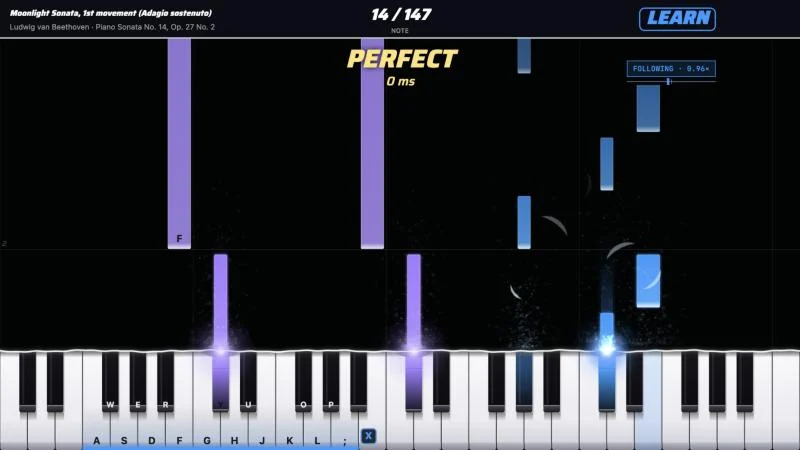
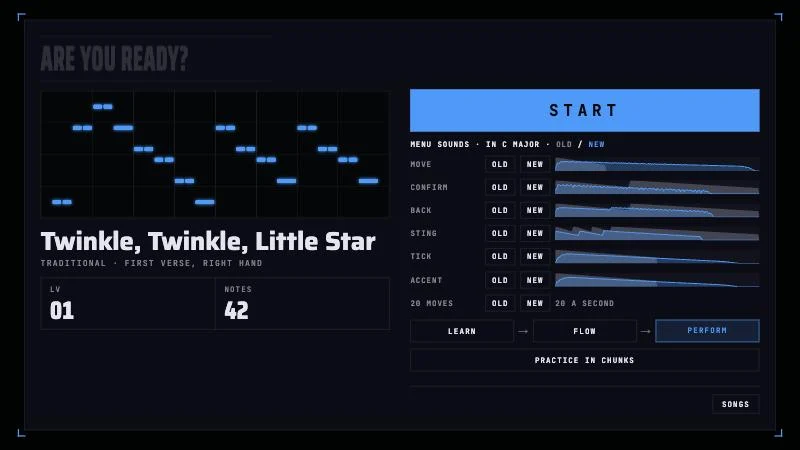
- Learn modethe highway stops on each note (a chord waits for all its keys), never calls a MISS, plays no beatTwinkle, Learn →
- Flow modethe song waits at each note and follows your tempo (0.5–1.3×), scored on wrong notes, skipped notes and stops past 2 beats, not timingTwinkle, Flow →
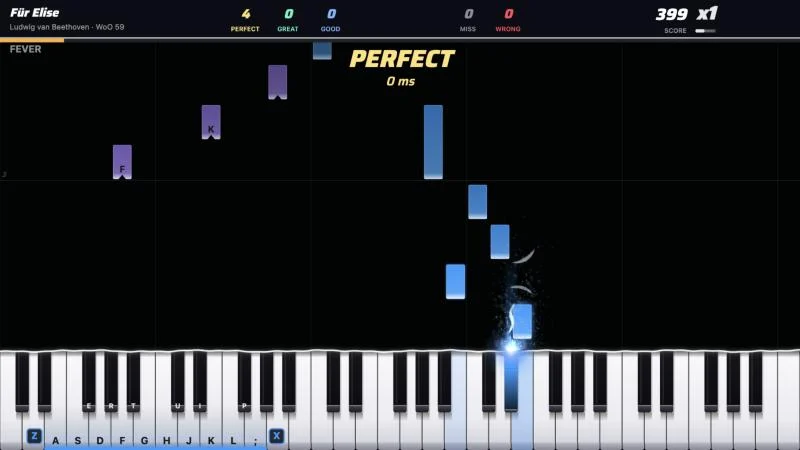
- Adaptive chunks"Practice in chunks" now starts on the whole song at 70% (practice=adapt) instead of walking it 4 bars at a time.Für Elise's start screen →
- Bar loopEach pass is scored on its own, and a "Passes" panel next to the results lists each pass's accuracy in order.Für Elise, bars 1–4 at 70% →
- One handresults score only the hand you play, and the piano plays it in timeFür Elise, right hand →
- RewindIn Learn mode, ◀ (or ←) moves back a bar and ▶ (or →) skips ahead one, from the HUD's buttons.Twinkle, Learn →
Watch
- Watch demoWATCH on the music select plays the focused song with the perfect bot, audible and hands-off.Twinkle, the perfect bot →
- CabinetIdle 30 s, it shows attract (/attract, started automatically) for 60 s, then a perfect-bot demo of Twinkle on the piano/cabinet →
- Attractone merged PR per note of Twinkle on the chart's own rhythm, while each step's note plays/attract →
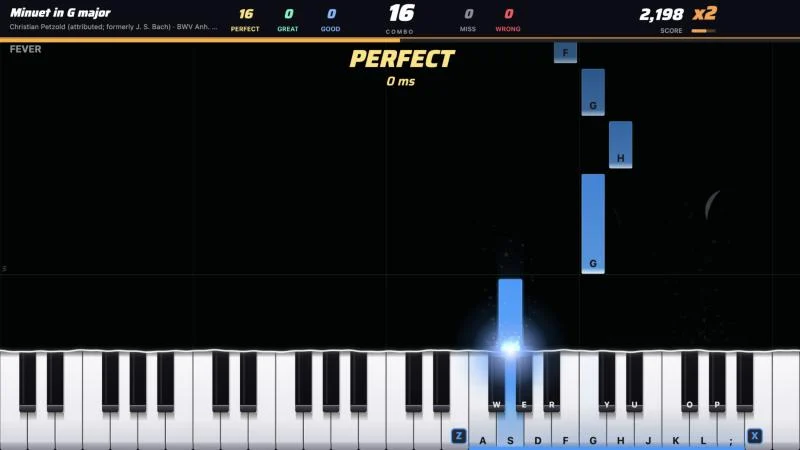
- Stage viewnotes rise dim on a back slope, tip over a lit crest and speed down to the bar, over 1033 ms./stage →
Score
Experiments
- Simon Saysplays the opening notes of a library song, you repeat them, and each round adds a note./simon →
- Spot the Wrong Notethe DGX plays 8 notes of Twinkle (or Ode to Joy, Minuet in G, Für Elise) with one moved 2 semitones/wrong-note →
- Veritasfive test players (Golden, Rusher, Jitter, Fumbler, Chord Roller) plant mistakes in real library songs/veritas →
- Piano simthe game, a virtual keyboard, a raw MIDI log, fault buttons, "Watch the bot"/sim →
Behind the scenes
- Operator boarda coin-counter strip, then Needs a person (non-draft plan/contract PRs, needs-human and blocked issues, drafts stale at 45 min, red main CI, STOP)/operator →
- CalibrationThe mean tap offset over clicks 5–12 is saved as the latency offset, which /play's slider then shows./calibrate →
- Sound boardevery milestone sound on one page, one button each and Play all, through the game's mix and your Effects volume/lab/sounds →
Learn
On trial
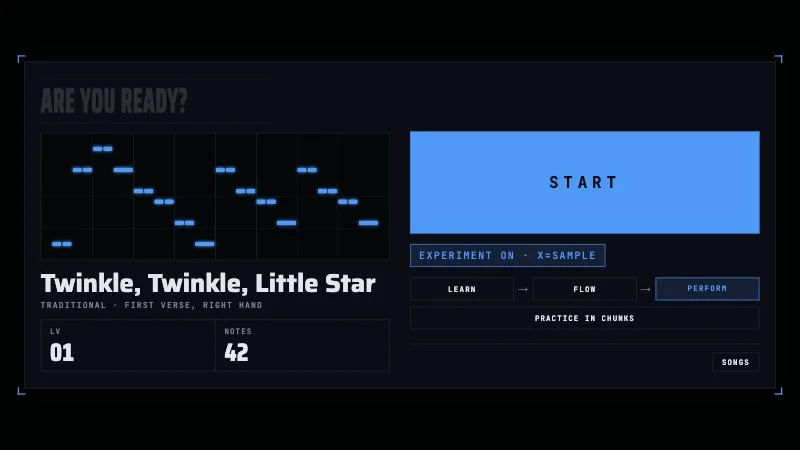
18 on trial, each off until its button turns it on. Kept or cut after a look.
0 / 18 judged
The frame
Juice
Wow
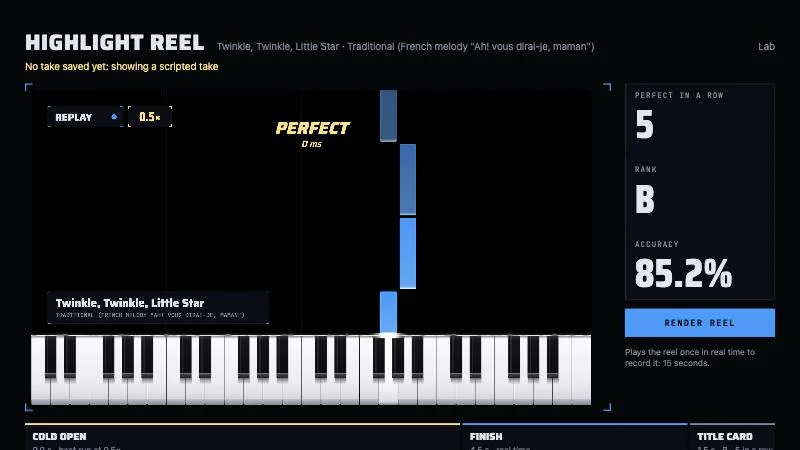
- #913 · x=highlight-reelHighlight reelA take becomes a 15-second broadcast replay video (#913)
wow
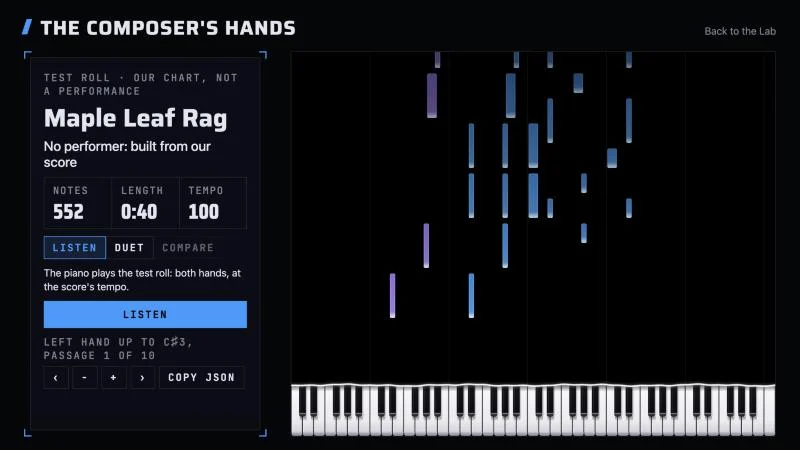
- #1069 · x=composers-handsThe Composer's HandsThe DGX plays the composer's own roll, then you duet with his left hand (#1069)
wow
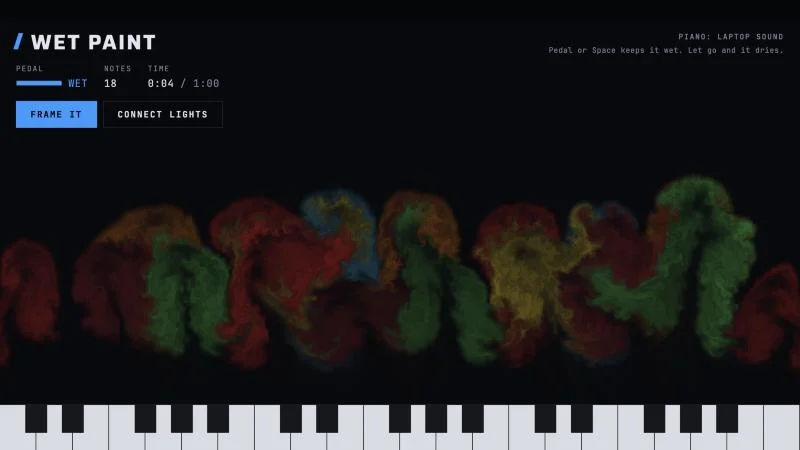
- #1106 · x=wet-paintWet PaintFree play: every note blooms as paint, wet while the pedal is down (#1106)
wow
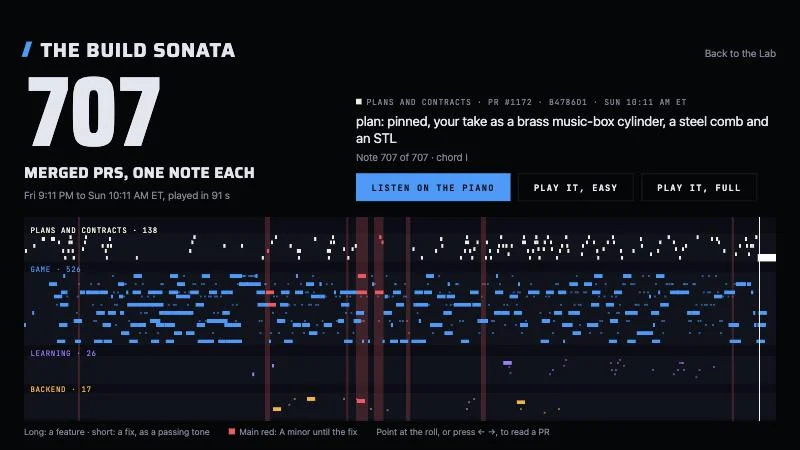
- #1162 · x=build-sonataThe Build SonataThe night the agents built Étude, as music (#1162)
wow
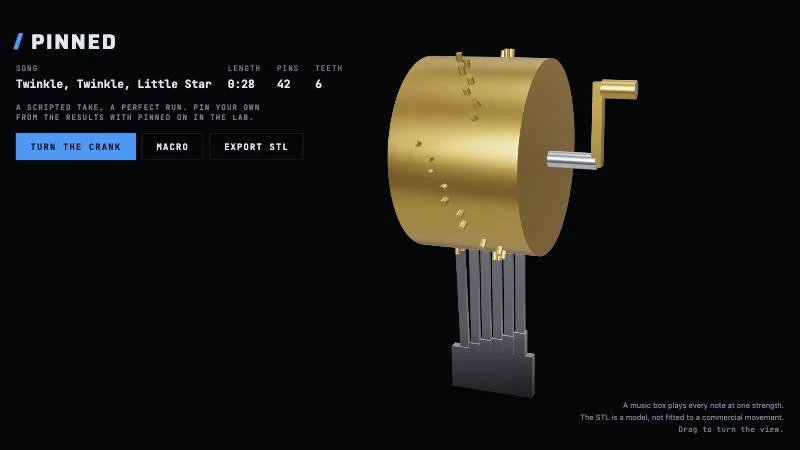
- #1171 · x=pinnedPinnedYour take as a brass music-box cylinder, with an STL (#1171)
wow
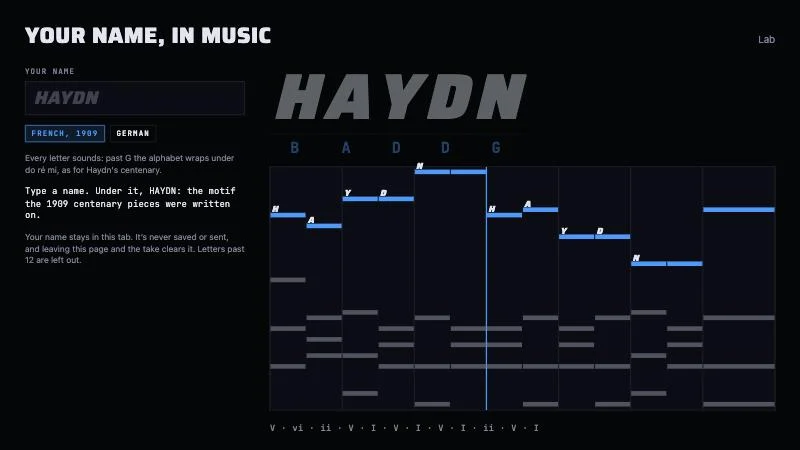
- #1190 · x=name-themeYour Name, in MusicA name becomes a theme the DGX plays and a level you can play (#1190)
wow
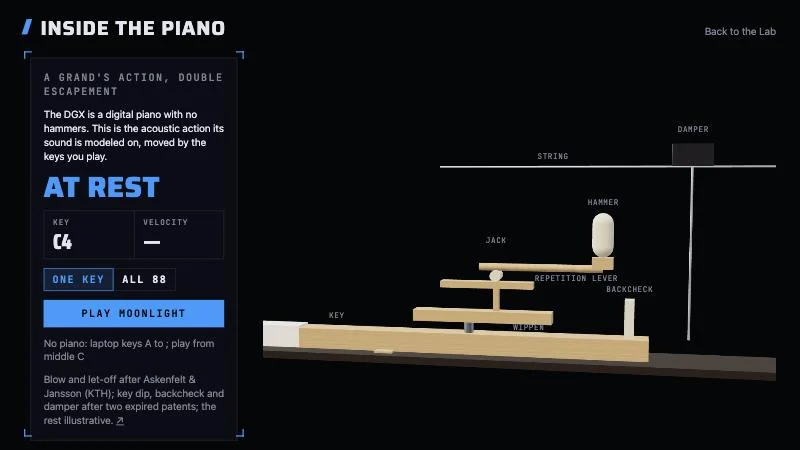
- #1226 · x=insideInside the PianoA grand's hammers and dampers, moved live by the DGX's keys and pedal (#1226)
wow
- #1261 · x=record-followsThe Record Waits for YouA recording stretches to your tempo and holds when you stop (#1261)
wow
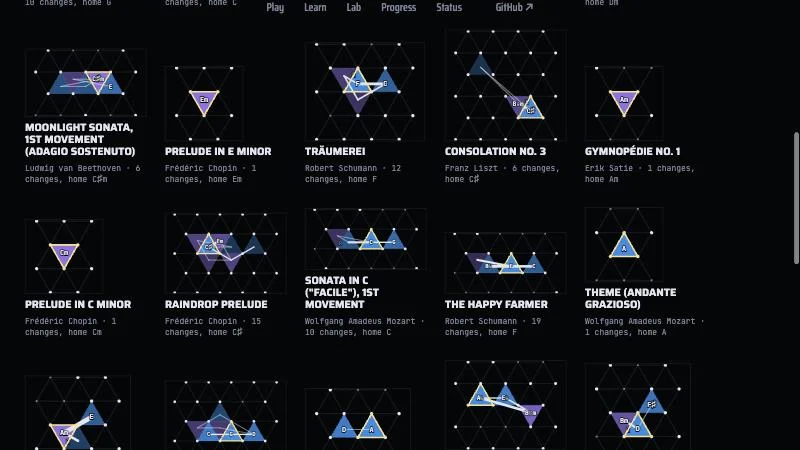
- #1299 · x=harmony-mapThe Harmony MapChords light triangles on Euler's Tonnetz, and every song becomes a constellation (#1299)
wow
- #1345 · x=crowdCrowd ModeThe room claps along, and the laptop mic scores the room's timing apart from yours (#1345)
Wow
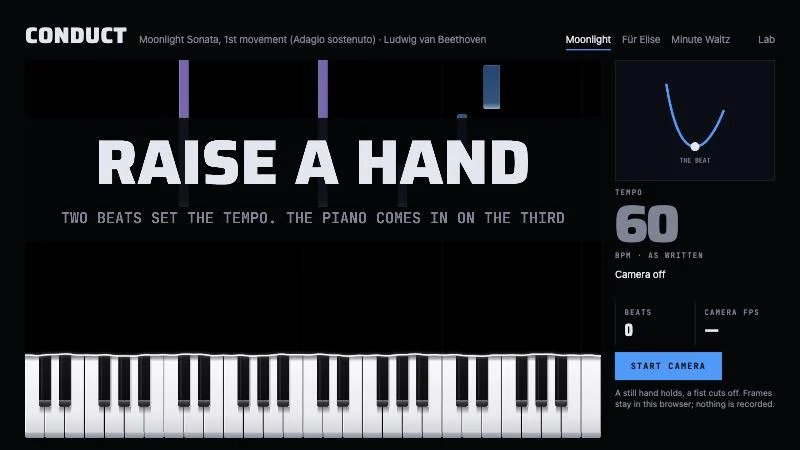
- #985 · x=conductorConductorWave a hand at the camera and the piano follows your tempo (#985)
wowneeds camera
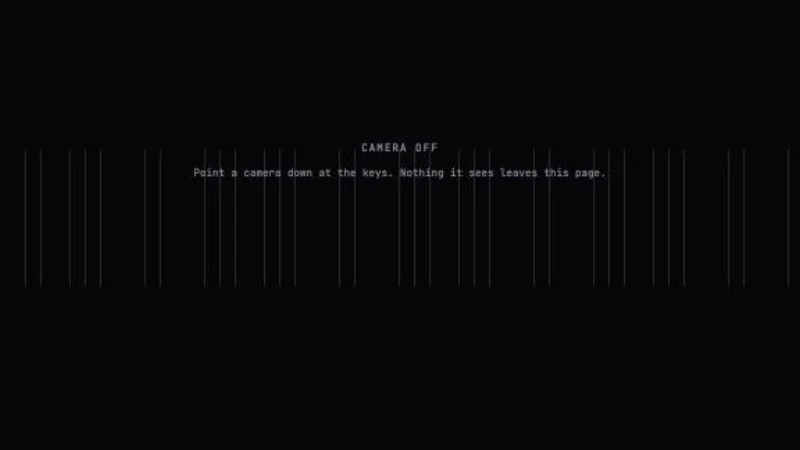
- #1017 · x=real-keysReal KeysThe notes fall onto live video of the real keys (#1017)
wowneeds DGXneeds camera
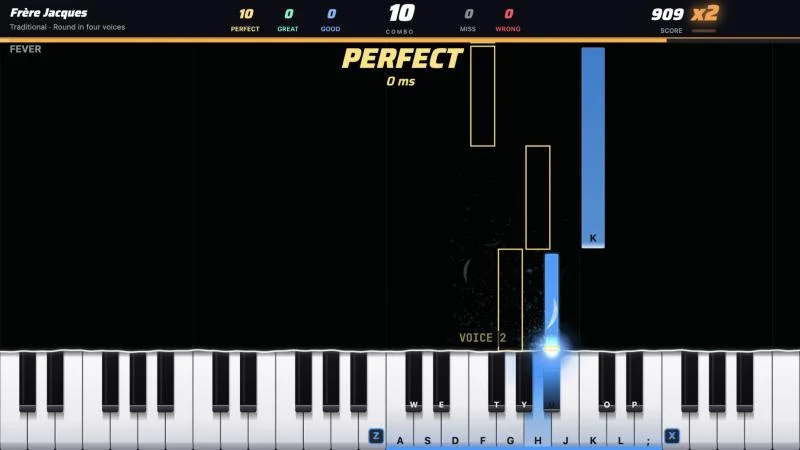
- #1123 · x=roundThe RoundPlay a round once and the DGX sings it back as voices 2–4 (#1123)
wowneeds DGX
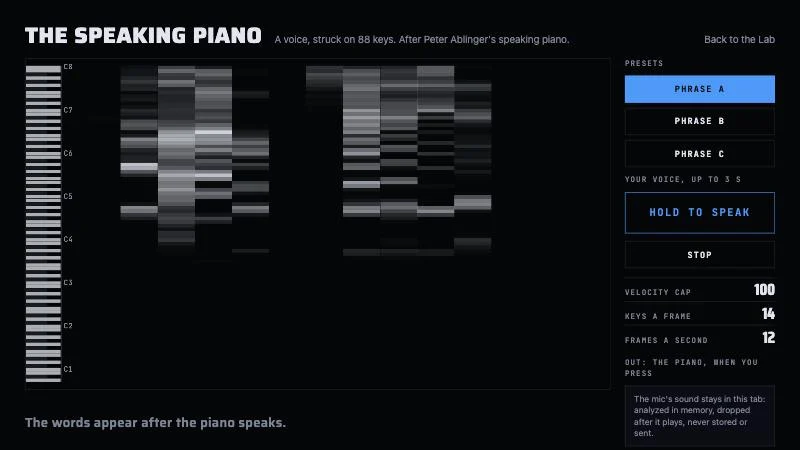
- #1153 · x=speaking-pianoThe Speaking PianoThe piano speaks a phrase (#1153)
wowneeds DGX